
What to check on a camera estate you didn’t install

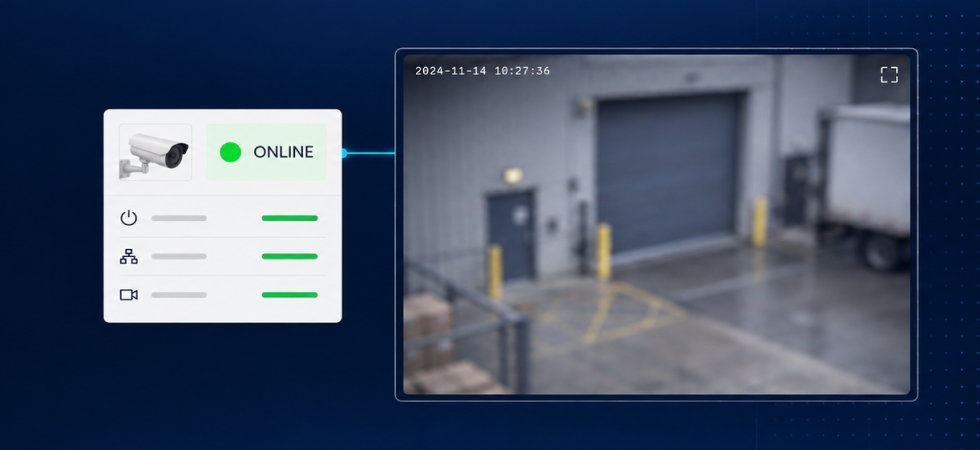
Sooner or later you take responsibility for a camera estate you didn’t commission.
The first thing worth establishing is which of those cameras are actually usable. That’s a different question from whether they’re online.
Completely offline cameras are usually the easiest problems to identify. The awkward ones are the cameras that pass every check the dashboard runs. The cameras are online, streaming, showing green but still contribute nothing. A web across one corner of the lens. A camera someone repointed at a wall two years ago and never logged. A forecourt that whites out every evening when the floodlights come on.
None of that registers as a fault. It registers later, as an unplanned callout, or as a client asking why the cameras they’ve been paying for didn’t show them anything.
An audit is a couple of hours per site, and it’s worth most right before something new gets switched on. Monitoring, detection, whatever you’re adding sits on top of what the cameras can actually see, and week three is an expensive time to find out.
Streaming is not the same as usable
Usable means something more specific than online. A usable camera is one that still provides the view and image quality required for the purpose it was installed to serve.
This is visible to anyone who opens the feed and looks at it but this is not clear just by looking at a status page.
So the audit is a looking exercise, camera by camera. Here’s what’s worth having on the checklist:
The view itself. Does the frame still cover what the client is paying to protect? Cameras can shift because of wind, building maintenance or accidental knocks.
The glass. Webs, dust, salt film, rain beading, condensation inside the housing, fogging on older domes. Also focus decay, which is easy to miss because it happens slowly and the image still looks broadly recognisable. Poor focus reduces the usable information in the image and can compromise the performance of any analytics you add later.
Light, at the hours that matter. This is the check that gets skipped most often, because audits happen during the working day and the problems happen at night. Look at each camera after dark: IR wash on nearby walls, headlight sweep across the frame, floodlight flare, and the dead zones where there simply isn’t enough light.
Stream integrity over time, not at a single moment. Intermittent drops, frame rate collapsing under bandwidth pressure, or short no-video periods that self-recover. A one-off ping tells you nothing about any of these. Watch a sample of the estate across a full day if you can.
What each camera is actually for. A loading bay camera and a car park camera have different jobs, and noting that during the audit is much cheaper than working it out from complaints later. Write down what activity matters on each feed while you’re standing in front of it.
Capture a reference frame while you’re there
If you take one habit away from this: save a still per camera at the end of the audit, ideally one daytime and one at night.
It takes very little effort and it turns every later question into a comparison instead of an argument. When a client says a camera has gone downhill, you have the frame it started from. When you’re checking whether a scene has drifted, you have something to check against other than memory. Every meaningful camera health judgement is a before-and-after, and most estates have no “before”.
Then let it run continuously
The audit is a snapshot. Estates don’t stay still. Seasons change, sites get reorganised, and lenses get dirty again. Once an estate is connected, DeepAlert’s camera health checks cover the same ground on an ongoing basis:
- no video
- loss of clarity
- bright light interference
- spider webs
- rain on the lens
- camera status
The audit gets the estate to a usable baseline but continuous checks are what keep it there.
The point of doing the audit first is that you get to fix these things on your own schedule, as scoped remediation work, rather than as emergency visits with a client watching.
How many cameras on a site you’ve taken over turn out to be unusable once you actually open the feeds?
Related Articles